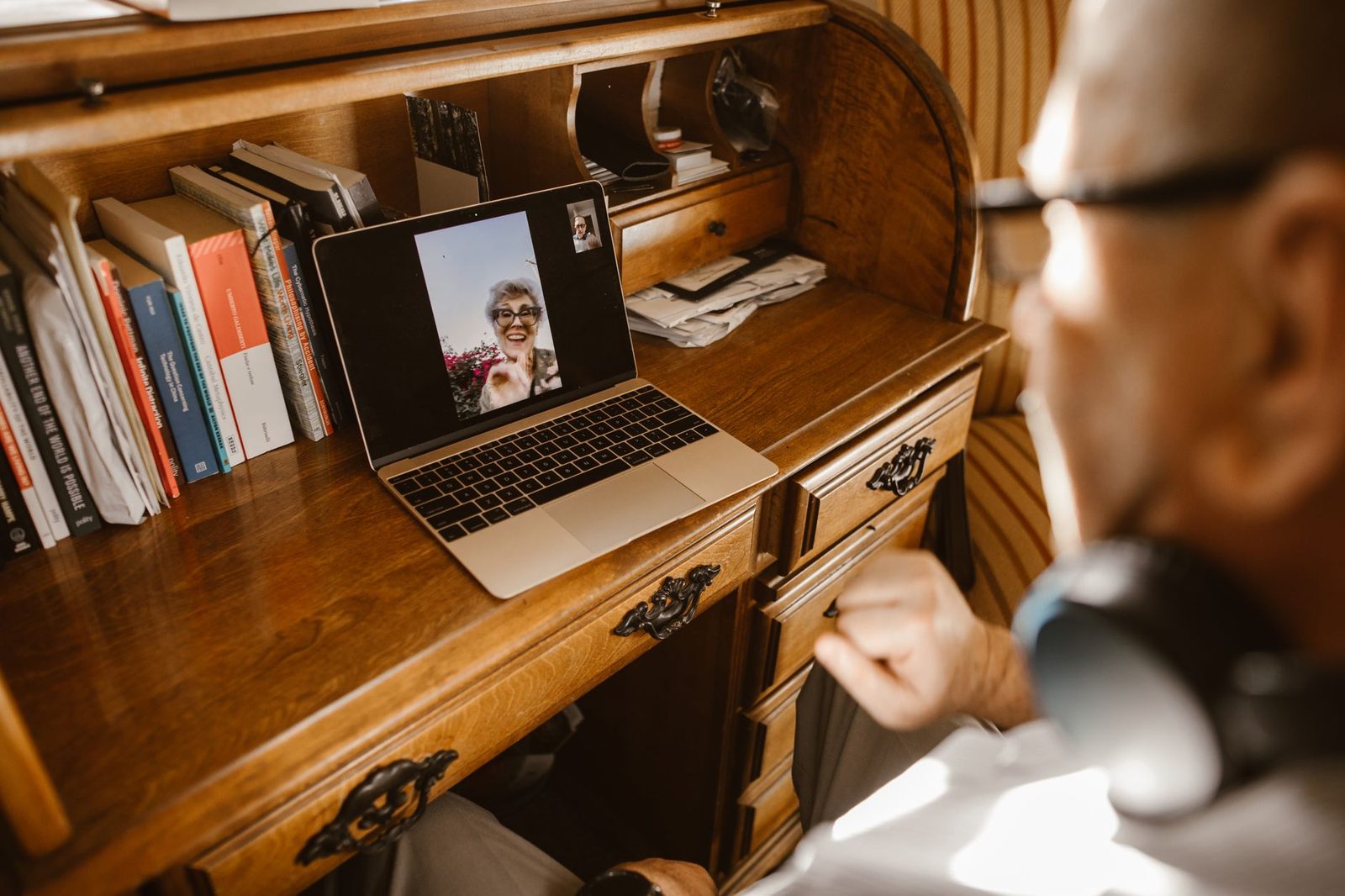
You've landed on someone nice. He's smiling, waving his arms around, talking — and you don't understand a word. His mic is crackling, his accent escapes you, or you're simply on a train and can't speak out loud. You click "next." And yet, four inches from his face on the screen, there was a small empty window that would have saved everything.
Text chat is the withered organ of chatroulette sites. On virtually every random video chat platform, an input box sits alongside the video stream. Almost nobody uses it. The assumption is that "since there's video, typing is an admission of weakness" — it's exactly the opposite. The keyboard is the only channel still available when the picture or the sound gives out, when language gets in the way, when awkwardness paralyses you.
We've already covered the first minute of a conversation, the language barrier, and social anxiety on video calls. This article digs into an angle never isolated here before: text as a second channel, and how to use it without breaking the rhythm of the video.

Why text survives where voice fails
Random video chat rests on a fragile bet: that two strangers share enough technical and linguistic common ground to understand each other in real time. That bet often fails. Text, on the other hand, is unkillable, for three reasons.
It uses almost nothing. A 720p video conversation demands a continuous upload stream. A written message weighs a few bytes. When your connection wobbles and the image freezes, text still gets through. It's the natural backup channel — the one left standing when everything else falls over.
It's asynchronous in a synchronous environment. On video, if you grope for words for three seconds, the silence turns heavy. In writing, the other person sees "typing…" or simply waits. You get back a precious right: the right to think.
It can be translated. A written sentence can be pasted into a translator in two seconds. A sentence spoken in an unfamiliar accent cannot. For international exchanges — and chatroulettes are overwhelmingly international — that's the difference between thirty seconds and thirty minutes of conversation.
Guidance from the CNIL on online communication services restates a simple principle: everything you write can be stored, screenshotted, or copied even more easily than what you say. Text is convenient; it is also far easier to archive. More on that below.
The five situations where the keyboard saves the conversation
1. A broken mic (theirs or yours)
This is the most common case, and the most trivial. On no-signup platforms, mic permission is often forgotten or refused by mistake. The result: one of the two is talking into the void.
The effective reflex fits into one immediately typed sentence: "I can't hear you — check the mic icon at the top of your browser." In three seconds, you turn a certain disconnect into a bit of friendly troubleshooting. Plenty of conversations actually start right there, because solving a problem together builds a connection faster than three questions about age and country.
If it's your mic causing trouble repeatedly, the culprit is rarely the platform. A basic USB desktop microphone fixes most cases of low volume, hiss, or that "underwater" sound of built-in laptop mics.
2. The language you don't speak
You land on someone Turkish, Polish, or Brazilian. Out loud, it's over. In writing, you copy-paste, you translate, and you reply. The conversation becomes slow — but it exists.
A few rules to make it work:
- Short sentences. One idea per message. Machine translators butcher subordinate clauses.
- No slang, no irony. "That's sick" translates terribly.
- No abbreviations. "idk," "nvm," "ttyl" get through no translator.
- An emoji is worth a thousand words when the sentence won't land.
3. The place where you can't talk
Shared flats, shared bedrooms, apartments with paper-thin walls, offices, public transport. A significant share of connections happen in contexts where speaking out loud is impossible. Text solves it: you stay on video, you smile, you answer with the keyboard. The other person catches on very quickly if you announce it: "I can see and hear you, but I can't speak, so I'll answer by typing."
In those situations, the quality of your listening depends entirely on your audio. A wired headset with a microphone prevents both feedback and sound leaking out to whoever's in the next room — and the cable avoids the Bluetooth micro-dropouts that chop voices into pieces.
4. The three-second silence
Silence is the number one killer of video-meetup conversations. Out loud, a pause feels endless. In writing, it's invisible: nobody measures the time between two messages.
Hence a simple, underrated tactic: when the spoken conversation slows down, deliberately switch to text to get it going again. A link, the name of a track, the title of a show, a question typed while the other person finishes their sentence. Text layers on top of speech instead of replacing it.
5. The information that doesn't survive being spoken
A first name that's easy to misspell. A band's name. A film title. A city nobody catches by ear. These things have to be written down, otherwise they get lost. Spelling something out loud on video, with a half-second lag, is a painful exercise you rarely win.
Typing on video: the mechanics of eye contact
There's one trap specific to text in video chat: typing means looking down. You leave the camera, your face tilts, your partner sees the top of your skull. On a platform where the decision to stay is made in a few seconds, that detail costs you dearly.
Three concrete fixes:
| Problem | What the other person sees | Fix |
|---|---|---|
| Eyes on the keyboard | Skull, forehead, double chin | Learn to touch-type, even roughly |
| Chat window at the bottom of the screen | Eyes constantly darting downward | Raise the screen to align camera and text box |
| Noisy typing | Clattering in the mic | Quiet-typing keyboard, mic away from your hands |
Touch-typing isn't a talent reserved for 1980s secretaries: it's a few hours of practice spread over two weeks, and it radically changes the video chat experience. A silent mechanical keyboard — or simply a well-dampened membrane model — also keeps every typed sentence from sounding like a hailstorm in the other person's mic.
For eye alignment, the most effective solution is the dumbest one: a laptop riser stand brings the camera up to eye level and shortens the visual trip between the lens and the text box. The head movement becomes a mere blink.
Text as a safety tool
This is the least discussed use and probably the most important. Written chat lets you say difficult things without saying them.
Setting a boundary. "I don't take my clothes off, I'm here to talk." Written down, that sentence is clean, without aggression, without a tremor in your voice. It closes a door in one line. Out loud, it costs far more to say.
Refusing to move to another platform. Scam scenarios almost all begin with an invitation to continue elsewhere — private messaging, social network, third-party app. A written refusal is instant and leaves no room for negotiation: "I'm staying here."
Letting nothing slip. The corollary is strict: what you write is easier to keep than what you say. Never type into a chatroulette window:
- your last name;
- your address, your street, your school, or your employer;
- a phone number or your main email address;
- a username you use elsewhere that makes you findable;
- a password, obviously, not even "as a joke."
The Cybermalveillance.gouv.fr service and the French Interior Ministry's PHAROS platform regularly point out that most webcam blackmail cases start with the collection of harmless-looking information, given voluntarily and often in writing. Text is a wonderful tool — it's also the channel where people open up fastest, because it feels less committing than speech.
Basic rule: if a piece of information would let you find someone, it lets someone find you. No message written to a stranger should contain data that's reusable outside the platform.
What not to do at the keyboard
Text has its own codes, and a few classic mistakes kill a conversation faster than silence.
The wall of text. Six lines all at once as an opener: the other person checks out before the third. In video chat, a message rarely runs beyond two lines.
Copy-paste. Pre-written opening lines pasted on repeat are spotted instantly: punctuation that's too tidy, a tone that's off, a reply that doesn't match what was just said. That's the signature of automated accounts, and it makes you look like one of them.
The link sent too early. A link in the first few seconds is, statistically, either spam or a redirect attempt. Even if your intentions are pure, wait until you've talked.
Permanent capitals. Writing in all caps reads as shouting. It seems obvious, and it's still very common.
Written silence. Typing without ever speaking when everything works is frustrating for the other person: they came for a video call. Text is a complement, not a permanent hiding place.
A simple protocol for balancing voice and text
Here's a proven method, to apply from the first seconds of an encounter.
- Open with your voice if the sound works. An audible "hi, how's it going?" establishes the main channel.
- Test the text box right away with something trivial: your first name, an emoji, the time where you are. You check the window works on both sides before you need it.
- Use text for the words that are hard to transmit: proper nouns, titles, numbers, gaming handles, city names.
- Switch to writing as soon as a technical problem appears, without waiting. That three-second window before "next" is where it's decided.
- End with your voice. A spoken goodbye, however short, leaves a far more human impression than a hastily typed message.
For long sessions, a trivial but real note: typing a lot tires the wrists when the computer sits on your knees or too low. A wrist-rest mouse pad or a simple palm support changes the comfort of an entire evening, especially if you alternate between mouse and keyboard.
In summary
| Situation | Channel to favour |
|---|---|
| Decent sound, shared language | Voice, text as backup |
| No mic or distorted mic | Text immediately |
| Unknown language | Text + translation, short sentences |
| A place where you can't talk | Text, announced in the first line |
| Precise information to pass on | Text, always |
| A boundary to set, a refusal to make | Text, clear and brief |
The chat window isn't a consolation prize for people who don't dare speak. It's a second channel, permanently available, free, resistant to breakdowns and linguistic borders. The users who hold twenty-minute conversations on a chatroulette aren't always the chattiest or the best equipped: they're often the ones who can shift from one channel to the other without thinking about it.
Next time the picture freezes or the accent escapes you, don't click. Type three words. You'll be surprised how many conversations it saves.