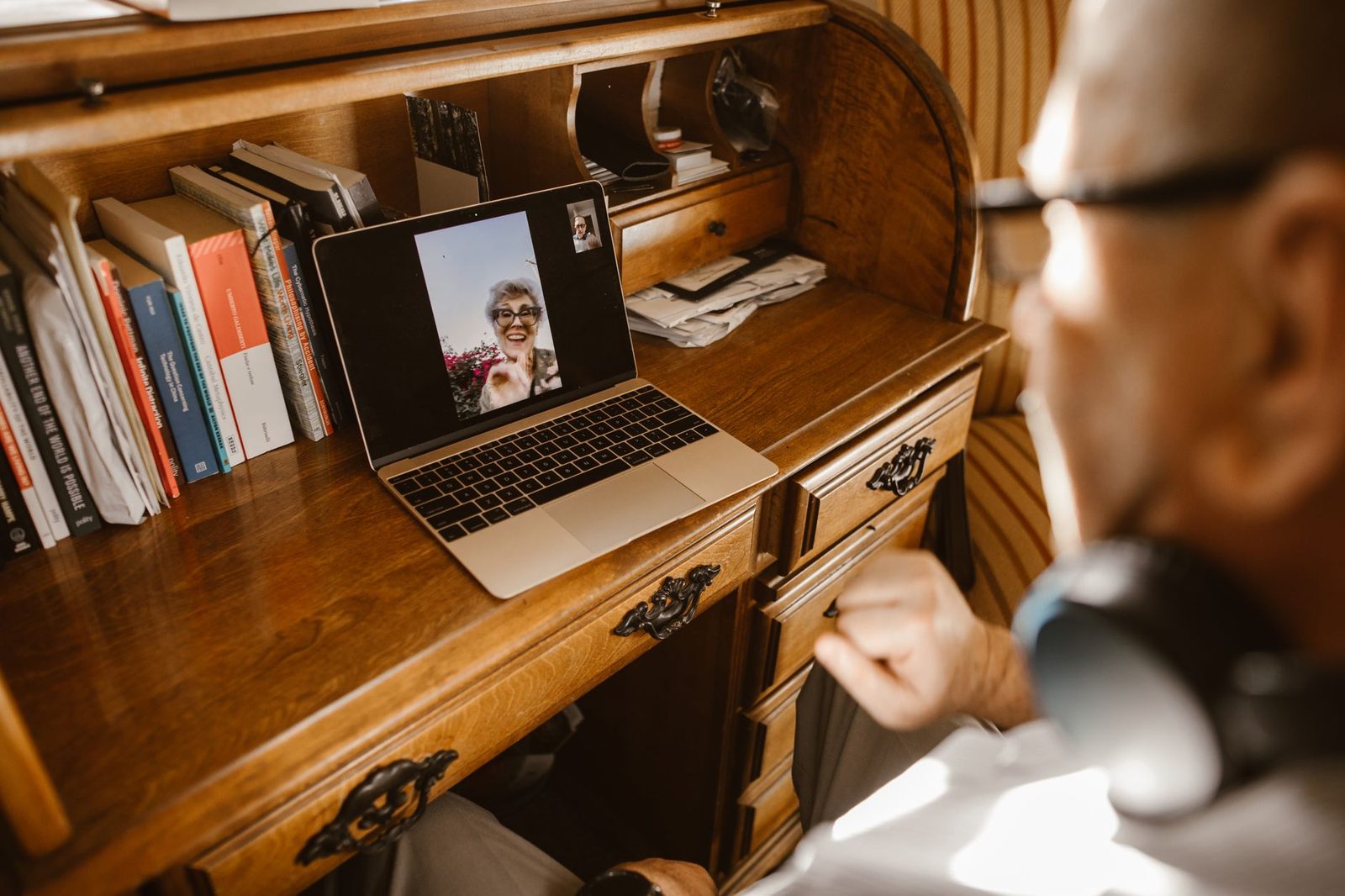
On a chatroulette, we do a lot of looking and very little listening to ourselves. Yet the moment the sound kicks in, the stranger opposite stops analysing your background: they're listening to a voice. And it's often the voice, more than the face, that decides whether they stay or hit "next".
We've already devoted articles to what can be seen: the background behind you, lighting and framing, what to do with your hands. An entire dimension is missing, and not the most discreet one: the sound you produce. Not the technical quality of the microphone — we'll cover that too — but the way you speak: pace, pitch, volume, pauses, verbal tics.
This dimension is all the more decisive in random video chat because the audio channel is the most fragile part of it. A slightly dull image gets a pass. A choppy voice, too fast, swallowed by the room's reverberation, does not: your partner checks out within seconds, and they won't even realise it was the sound that drove them away.

What research says about an unfamiliar voice
The idea that we form an opinion of a voice in a fraction of a second isn't a vocal coach's hunch. It's documented.
The work of Phil McAleer, Alexander Todorov and Pascal Belin, published in 2014 in the journal PLOS ONE under the title How Do You Say "Hello"? Personality Impressions from Brief Novel Voices, is the most frequently cited. The protocol is simple: play participants a single word — "hello" — recorded by unfamiliar speakers, then ask them to rate trustworthiness, dominance and warmth. The result: judgements are formed in under a second, and above all they are highly consistent across listeners. In other words, people may well be wrong, but they're all wrong in the same direction.
Two parameters come up regularly in this kind of study:
- Pitch influences the perception of dominance and warmth. A voice that rises at the end of a sentence — in anyone — is perceived as less confident.
- Variation, more than absolute value. A monotone voice is judged less engaging than one that modulates, even modestly.
On top of that comes a phenomenon specific to video calls, measured by researchers in interaction studies: audio delay. A team writing in the Journal of Nonverbal Behavior showed as early as the 2010s that a transmission lag of merely a few hundred milliseconds is enough to make the person on the other end seem less attentive and less likeable — even though it's not their fault at all. On a chatroulette linking two random home connections, that delay is the norm, not the exception.
The practical conclusion: your voice is judged fast, it's judged harshly, and the network is working against you. There's still plenty of room to manoeuvre.
Pace: the number one flaw in random video chat
On a chatroulette, almost everyone talks too fast. The reason is mechanical: you know the other person can vanish at any moment, so you try to cram in as much information as possible before the cut-off. That's exactly counterproductive.
A comfortable conversational pace in English sits at around 150 to 180 words per minute. Under stress, you easily climb to 200–220. Add latency, audio compression and sometimes a non-native listener, and the result becomes unintelligible.
Three fixes that work immediately:
- End your sentences on a downward note. Dropping your voice at the end of a sentence signals that you've finished speaking. It's the most useful cue you can give someone hearing you with 300 ms of delay.
- Use short sentences for the first 30 seconds. Subject, verb, object. You can lengthen them later, once the rhythm is established.
- Accept a one-second silence before jumping back in. It isn't a void, it's transmission time. People who jump in too quickly systematically trample over the other person's answer.
A simple trick for getting an objective sense of your pace: record yourself for a minute and listen back. Most people are stunned. A digital voice recorder or even your phone's voice memo app is plenty — the point is to listen to yourself once, not to own professional gear.
Volume, distance and reverberation
The classic mistake: speaking loudly so as to "be heard properly". A laptop microphone compresses anything that peaks, and the result is a saturated, unpleasant voice that makes the listener turn the volume down — and therefore hear everything else less well.
The opposite is also true: whispering because you live in a shared flat makes the noise reduction work overtime, and it cuts out entire syllables.
The right setup is almost always the same:
| Parameter | Recommended setting | Why |
|---|---|---|
| Mouth-to-mic distance | 20 to 30 cm | Close enough to dominate room noise, far enough to avoid plosives |
| Voice volume | That of a conversation at the dinner table | Avoids compression and saturation |
| Axis | Mic slightly off to the side, not straight in front of the mouth | Reduces explosive "p" and "b" sounds |
| System gain | 60–75% rather than 100% | Leaves headroom, avoids amplified hiss |
Then there's the room itself. A bedroom with a wooden floor, bare walls and a glass desk reflects sound: that's reverberation, and it's the silent killer of intelligibility on video. You hear yourself just fine; the other person hears a voice "in a bathroom".
The remedies cost next to nothing: a rug, thick curtains, a well-stocked bookcase behind you. If the problem persists, acoustic foam panels mounted on the nearest side wall make an audible difference within ten minutes of installation. This isn't studio work, it's basic hygiene.
Gear: what actually makes a difference
We remain wary of endless shopping lists. In practice, on a chatroulette, the hierarchy of gains is fairly clear.
What changes everything: getting away from the microphone built into your screen or laptop. That mic sits 60 cm from your mouth, pointed at the room, and it picks up the fan as much as it picks up you.
What changes a lot: a pickup point close to the mouth. A simple USB headset with a boom mic solves distance, axis and audio monitoring in one go. It's also the cheapest solution if you live somewhere noisy.
What changes things moderately: a condenser desktop microphone. The sound is more flattering, but it picks up more of the room — without acoustic treatment, you can lose more than you gain.
What changes comfort, not the quality perceived by the other person: a decent pair of closed-back headphones. They don't make you more audible, but they eliminate feedback echo — that loop where your voice comes back out of the speakers and into your partner's microphone. On a chatroulette, echo is probably the leading technical cause of "next".

A word on the software noise reduction built into browsers and platforms: it's effective against a fan or air conditioning, far less so against a voice talking in the next room. The algorithm struggles to tell two human voices apart. If someone is talking behind you, the filter is mostly going to chop you up.
Silences: learning not to fill them
Face to face, a two-second silence is almost always comfortable. In random video chat, it triggers panic: you think the other person is bored, you fire off another question, you talk over their answer, and off they go.
Studies on turn-taking (notably researched by Stephen Levinson and his team at the Max Planck Institute for Psycholinguistics in Nijmegen) show that the typical gap between two turns in human conversation is around 200 milliseconds, and that holds across very different languages. We are wired for extremely tight back-and-forth.
Video calls mechanically add 150 to 400 ms. The result: your brain interprets a technical delay as hesitation, reluctance or disinterest. And you react to a signal that doesn't exist.
The countermeasure comes down to one rule: count to two in your head before jumping back in. It sounds ridiculous written down; it's spectacularly effective in practice. You'll let far fewer genuine conversations slip away.
Another technique borrowed from radio: the explicit handover. Ending with a short closed question ("what about you, more of a morning or an evening person?") gives the other person a clear entry point. It's more effective than an open-ended question tossed into the void.
Verbal tics, accent and vocal fatigue
Three points that rarely come up and that weigh heavily over long sessions.
Tics. "Like", "actually", "so", "you know". They're not a moral failing: they're planning markers, crutches that give the brain time to build the rest of the sentence. Eradicating them completely is a bad idea — it produces a robotic delivery. Halving them is enough, and the method is always the same: slow down. A slower pace reduces the need for crutches.
Accent. No reason to erase it. On an international chatroulette, an accent is a free conversation topic and often the first hook with a foreign speaker. What causes trouble isn't the accent, it's articulation: opening your vowels more and detaching final consonants makes any accent perfectly understandable.
Fatigue. An hour on video with a microphone can put your voice through the wringer, especially if you push the volume to cover background noise. The classic vocal health recommendations — the ones relayed by ENT services, for instance, and found on Vidal or in the INRS prevention sheets on voice-based work — are boring and effective: drink regularly, avoid throat clearing (which traumatises the vocal folds), don't speak over loud noise, and stop as soon as your voice turns hoarse. An insulated water bottle within arm's reach on the desk solves 80% of the problem, because it makes hydration automatic rather than deliberate.
Fifteen minutes of warm-up, or nearly
Nobody expects you to run through vocal exercises before a chatroulette. But the first conversation of a session is almost always the worst one: cold voice, erratic pace, badly built sentences. That's physiology.
A reasonable compromise, two to three minutes:
- Yawn deliberately two or three times. It relaxes the pharynx and mechanically lowers your pitch.
- Read aloud any paragraph, slowly, exaggerating your articulation. A vocal technique manual or even a simple short-story collection will do — the aim is to have a text in front of you, not to improvise.
- Test the sound with your system's recorder before connecting. Ten seconds. You'll immediately hear echo, hiss or saturation.
Many platforms offer a mic test in their settings: use it. It saves you from the first five conversations ruined by an input left on the webcam mic while the headset was plugged in.
Key takeaways
Your face fills the screen, but it's your voice that fills the attention. In random video chat, where the image is small, compressed and often poorly lit, the audio channel carries most of what the other person will remember about you.
The priorities, in order:
- Eliminate echo by wearing headphones. It's the only non-negotiable point.
- Slow down by 20%. Nothing else produces such a rapid gain.
- Drop your voice at the end of sentences to signal the end of your turn.
- Wait two seconds before jumping back in; latency isn't silence.
- Treat the room before buying an expensive microphone: reverberation ruins any gear.
And a principle that goes beyond technique: a voice isn't judged on its beauty, but on its consistency with the person speaking. A calm voice on a tense face rings false. A normal voice, slightly slow, on someone relaxed, always works. Voice work isn't a disguise — it's simply removing whatever was stopping the other person from hearing you.
Going forward, the same logic applies to the rest of the setup: our guides on the first minute of a conversation and on stabilising your webcam and connection are useful companions to the above.