On a random video chat, the decision to stay or skip is made in two to three seconds, before a single word is spoken. Three settings do most of the work: soft frontal light, a camera at eye level, and clean sound with no echo. Everything else — background, bandwidth, framing — can be fixed in a few minutes and costs little to nothing.
There's plenty of talk about safety, moderation and which platform to choose on chatroulette sites. Far less about what actually decides the fate of your conversations: what the other person sees and hears. A dark, grainy picture shot from below by a laptop resting on your knees, with a microphone picking up the room's echo, kills the exchange before it starts. Conversely, a sharp, audible video call noticeably lengthens the average conversation, simply because it reduces the mental effort demanded of the other person.
This guide reviews, in order of importance, everything that improves your on-screen presence — from free settings to the handful of accessories that genuinely make a difference.

Why picture quality matters so much on a chatroulette site
The whole premise of random video chat platforms — Chatroulette, Omegle before it shut down in November 2023, and the wave of alternatives that followed — rests on a single gesture: "next". That button creates a brutal attention economy. Unlike a professional video call on Zoom or Google Meet, where the other party is a captive audience, here they have no reason whatsoever to make the effort to decipher you.
Three concrete mechanisms work against you when the picture is bad:
- Compression. Video chat platforms rely heavily on WebRTC, the technology standardised by the W3C and the IETF for real-time communication in the browser. The stream is compressed on the fly. A dark, noisy scene is far harder to compress than a well-lit one: the codec then sacrifices detail, and your face turns into pixel mush.
- Reading micro-expressions. A large share of non-verbal communication travels through the eyes and mouth. Underexposed or blurry, those signals vanish and the exchange feels cold.
- The signal that you're serious. Careful framing implicitly says you're there to talk, not to bother anyone. It's also a way to cut down on abuse reports.
Simple rule: if the person on the other end has to squint or strain to hear, they'll hit "next".
Lighting: lever number one, and it's free
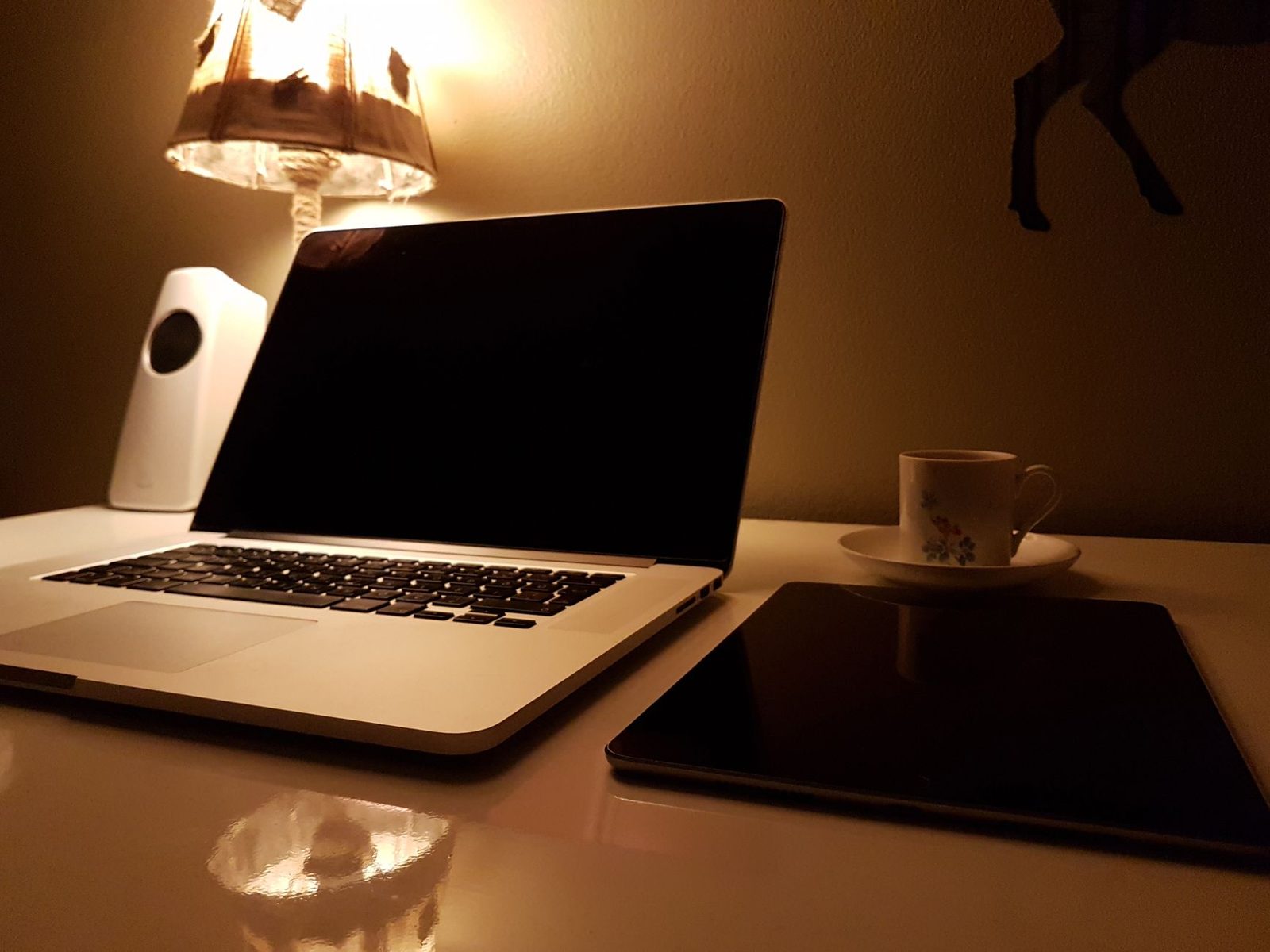
No camera purchase can make up for bad lighting. A webcam sensor is tiny; in low light it cranks up its sensitivity, generates digital noise, and the frame rate collapses (the camera lengthens its exposure time, which produces that stuttery, motion-blurred look).
The principle of soft frontal light
Light should come from the front, slightly above eye level, and be diffuse.
- From the front: sit facing a window during the day, or facing a lamp. Never with your back to the window — you'd become a black silhouette.
- Slightly above: light that's too low creates the unflattering "torch under the chin" effect; too high, and it deepens the shadows under your eyes.
- Diffuse: a bare bulb creates hard shadows and shiny highlights on your forehead. A white lampshade, a stretched sheet, or a lamp bounced off a light-coloured wall will do the job.
Three-point lighting, bedroom edition
The classic broadcast setup adapts very well to a desk:
| Source | Position | Role |
|---|---|---|
| Key light | Facing you, 30–45° to one side, at eye level | Shapes the face |
| Fill light | Opposite side, weaker | Softens the shadows |
| Back light | Behind you, out of frame | Separates you from the wall |
In practice, two sources are plenty. An LED ring light placed behind the screen gives a very clean result and a pleasant circular catchlight in the eyes; it's probably the best-value purchase for anyone who spends time on video calls. Set it to medium intensity: at full blast it flattens the face and blows out the highlights.
Colour temperature: don't mix
An often overlooked point: mixing warm light (a household bulb, ~2700 K) with cool light (a desk LED or daylight, ~5500 K) gives you a face with uneven tones, half orange and half blue. The webcam's automatic white balance can't cope and starts oscillating. Pick a single temperature for all your sources.
Framing: eye level, always
A laptop lying flat on a desk films you from below. The result is universally unflattering: you see the ceiling, the chin, and your gaze looks evasive because you're staring at the screen, not the lens.
The fix is immediate: raise the camera to eye level or slightly above. A stack of books works, but a stable, tilted laptop stand also solves your posture and the machine's heat problems.
Then apply three framing guidelines:
- The chest-up shot. Your torso plus a little space above your head. Too close feels intrusive; too far and your expressions become unreadable.
- Headroom. Leave roughly 5 to 10% of the frame above your head, not 30%.
- Eyeline on the upper third. That's the rule of thirds applied to portraits: the eyes naturally sit on the upper horizontal line.
Finally, look at the lens for a few seconds at the start of the conversation, not at the other person's thumbnail. It's counter-intuitive, but that's what creates the sense of eye contact.
Sound: the most underrated factor
Video conferencing usage studies have shown it for years: users tolerate a mediocre picture far longer than mediocre sound. Echo, constant hiss or a choppy voice cause immediate cognitive fatigue.
The three most common flaws
- Echo / feedback. You're using the computer's speakers: the mic hears the sound again and the loop sets in. Solution: headphones, any headphones. It's the single most effective fix on this whole list.
- Reverberation. An empty room with bare walls and a hard floor turns your voice into a railway station announcement. Curtains, rugs, a bookcase, a bed: anything absorbent helps. Move closer to the mic rather than talking louder.
- Background noise. Laptop fan, fridge, traffic. Many platforms apply noise suppression, but it damages the voice too. Better to remove the source.
Do you need a dedicated microphone?
A laptop's built-in mic sits near the keyboard and the fans, 50 cm from your mouth: it picks up everything except you. Two levels of improvement:
- A headset with a boom mic: enough in 80% of cases, fixing both echo and distance. A USB headset with a noise-cancelling mic is the pragmatic choice.
- A USB condenser microphone on the desk: markedly better in tone, provided you're 20–30 cm from it and the room isn't too reverberant. Add a foam windscreen to avoid plosives (those popping "p" sounds).
A simple test: record yourself for 20 seconds using your phone's voice recorder placed where your mic sits, then listen back on headphones. You'll immediately hear what the other person has to put up with.
Connection: smoothness before resolution
A stuttering 1080p image is far worse than a smooth 720p one. On video chat platforms the stream is adaptive: when bandwidth runs short, the codec first reduces sharpness, then the frame rate.
Checkpoints, from most to least effective:
- Favour an Ethernet cable whenever possible. Wi-Fi is sensitive to interference, and the upload speed — the one carrying your picture — is often the weak link. A USB-C to Ethernet adapter saves the day on laptops with no RJ45 port.
- Get closer to the router if Wi-Fi is unavoidable, and prefer the 5 GHz band over 2.4 GHz.
- Stop downloads and cloud backups running in the background: they saturate the upstream channel.
- Check your upload speed with a speed test. Below 1.5 Mbps up, a crisp video call becomes difficult.
- Close heavy tabs. Video encoding is CPU-hungry; an overloaded browser drags the frame rate down.
On mobile, 4G/5G works well but eats data: expect several hundred megabytes per hour of video. Check your plan before a long session.
Software settings: what to switch on, what to avoid
- Browser permissions: in the site settings (Chrome, Firefox, Safari), check that the right camera and microphone are selected. Many a "my webcam isn't working" comes down to a phantom device picked by default.
- Autofocus: if your webcam keeps hunting, disable autofocus in the manufacturer's utility and lock the focus once and for all.
- Filters and skin smoothing: use sparingly. Light smoothing goes unnoticed; an excessive filter creates an impression of fakeness that works against you in a dating context.
- Virtual backgrounds: handy for protecting your privacy, but the edges smear in low light. A real plain wall, or a light background blur, usually looks better.
- Browser window position: keep the chat window in the centre of the screen, just below the camera. Your gaze will naturally stay close to the lens.
What your setting says about you (and what it must not reveal)
A tidy background improves the picture technically — a simple backdrop compresses better, so your face keeps more detail — but above all it raises a privacy question.
France's data protection authority, the CNIL, regularly points out that personal data willingly published online is beyond any further control. On video with strangers, that means some very concrete things:
- Documents, mail, labels visible on a desk: they carry your name and address.
- The view through the window: a landmark, a shop sign, a recognisable building can all be used to locate you.
- Family photos, uniforms, licence plates: so many identifying clues.
- Mirrors and reflective screens behind you: they sometimes show what you'd rather not show.
A useful habit: before starting a session, take a screenshot of your own image and look at it as a stranger would. Whatever is legible to you is legible to them. A plain backdrop panel or a simple stretched sheet settles the matter in one second and improves the picture.
For more on safety — webcam blackmail, being recorded without your knowledge, fake profiles — the official Cybermalveillance.gouv.fr portal and the French Interior Ministry's PHAROS platform remain the go-to French-language references for reporting and background reading. The basic rule never changes: whatever is filmed can be recorded, whatever the platform.
The 90-second checklist before starting a session
- Window or lamp in front of you, not behind.
- Camera at eye level, chest-up framing, a little air above your head.
- Headphones plugged in — echo eliminated.
- A 20-second mic test, played back on headphones.
- Background cleared of anything identifying.
- Downloads stopped, unnecessary tabs closed.
- Clean lens: a microfibre cloth removes the greasy film that gives that milky image.
- Charger plugged in: in power-saving mode, many laptops throttle the camera and the processor.
Is it worth investing? The cost/benefit ranking
| Improvement | Cost | Perceived gain |
|---|---|---|
| Repositioning your lamp | €0 | Very high |
| Raising the computer | €0 | High |
| Using headphones | €0–30 | Very high |
| LED ring light | €20–50 | High |
| External 1080p webcam | €40–90 | Medium to high |
| Dedicated USB microphone | €50–120 | Medium |
Order matters: an external Full HD webcam only delivers a real benefit once the lighting is sorted. Bought first, in a dark room, it will produce an image barely better than the built-in sensor — and you'll have spent your money for nothing.
The key takeaways
Technical quality isn't a nice-to-have on a video chat site: it's the first filter. Frontal, diffuse light, camera at eye level, headphones to kill the echo, a stable connection, a neutral and anonymous background. Five moves, three of them free, enough to take your conversations from three seconds to several minutes.
The rest — listening, humour, curiosity — is obviously what decides where things go next. But first, people have to be able to see you and hear you.